
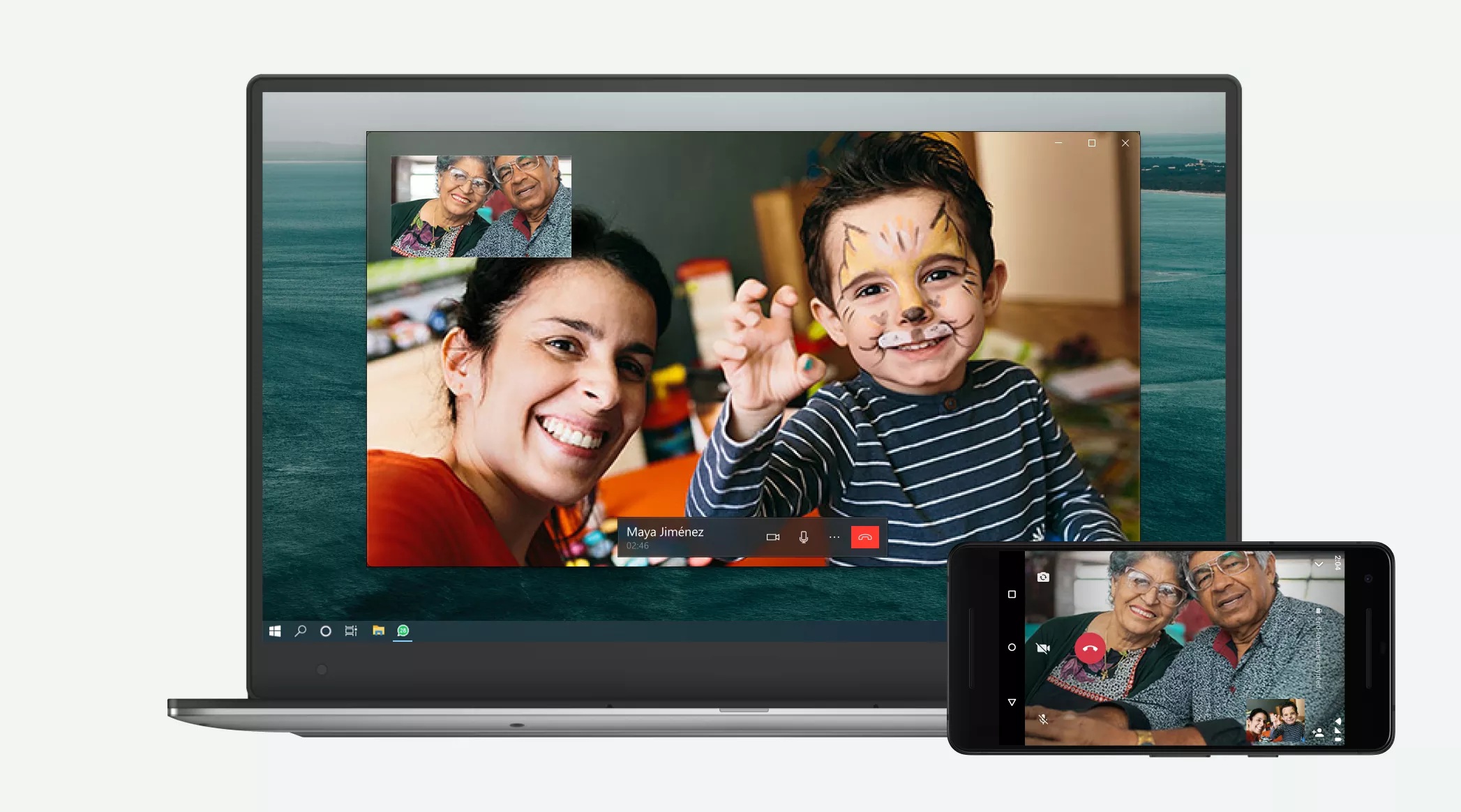
Voice & Video calling feature added to WhatsApp Desktop
In the latest update on WhatsApp, they have added another feature to their App. Now one can do private & one to one voice or video calls through WhatsApp Desktop App. This feature makes it easier for everyone to connect with their friends and family while you can do other things on your desktop as well. Answering on a bigger screen makes it easier to work with colleagues, see your family more clearly on a bigger canvas, or free up your hands to move around a room while talking.
To make desktop calling more useful, they have made sure it works seamlessly for both portrait and landscape orientation, appears in a resizable standalone window on your computer screen, and is set to be always on top so you never lose your video chats in a browser tab or stack of open windows.
Voice and video calls on WhatsApp are end-to-end encrypted, so WhatsApp can’t hear or see them, whether you call from your phone or your computer. WhatsApp is starting with one-to-one calls on the WhatsApp desktop app so they make sure they can give you a reliable and high-quality experience. WhatsApp will be expanding this feature to include group voice and video calls in the coming future.
Apart from the Desktop video calling there is another feature which has been added by WhatsApp to enhance the overall user experience. WhatsApp recently added a new animation for voice messages and the ability to disable receipts for these messages on the latest WhatsApp iOS update.
Also, WhatsApp finally rolled out the WhatsApp mute video feature for Android users. This feature allows users to mute the audio in their videos before finally sending it off to their contacts.
Desktop calling is supported on following PC`s :-
Windows 10 64-bit version 1903 and newer
macOS 10.13 and newer
To make or receive calls on WhatsApp Desktop, you’ll need:-
An audio output device and microphone for voice and video calls.
A camera for video calls.
An active internet connection on your computer and phone. The call won’t go through your phone, but it needs to be online to establish the call.
To grant WhatsApp permission to access your computer’s microphone and camera. WhatsApp needs access to your computer’s microphone for calls and camera for video calls.
Note: Group calls aren’t supported on WhatsApp Desktop at this time.
We hope you all enjoy private and secure desktop calling with their friends and families.
PC – Google